
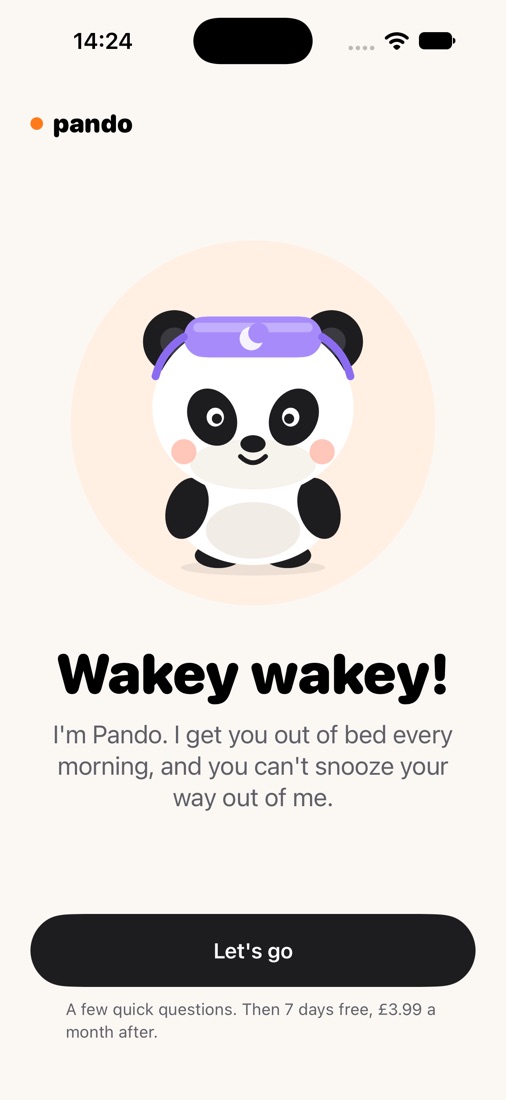
Wakey wakey!
Pando is the alarm you can't snooze through. It won't stop until you've proved you're up.
Coming soon to the App Store · iPhone · iOS 26
How it works
- Set your alarm for any minute, on the days you want.
- Pick your missions. Choose as many as you like and Pando mixes them up, so every morning is different.
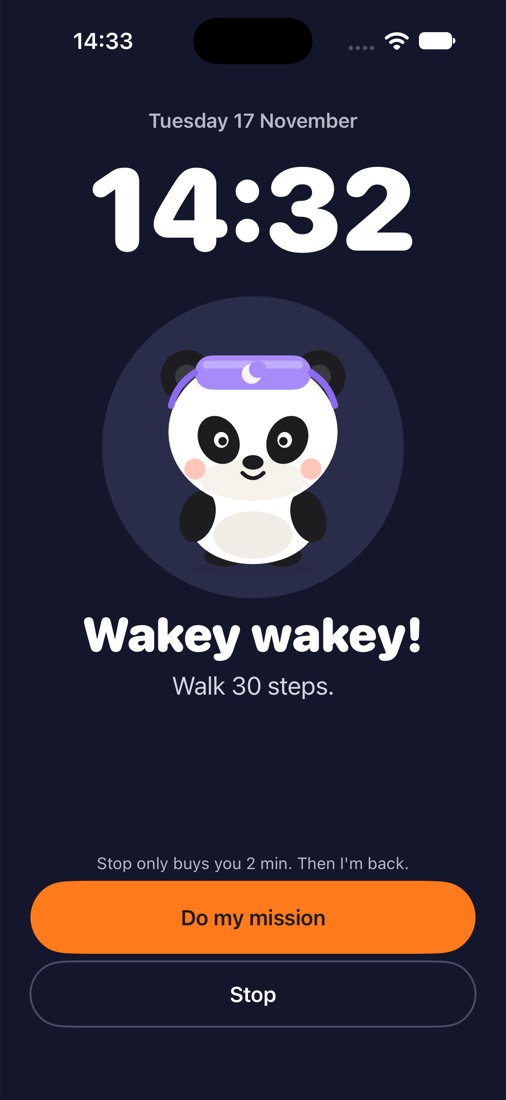
- When it rings, prove you're up. Press Stop and Pando is back in 30 seconds, 1, 2 or 5 minutes, your choice. Finish the mission and it stops for good.
Scan a stickerStick one on the bathroom mirror. You have to walk there to scan it.
Photo of somethingYour kettle, your toothbrush, your front door.
Walk 30 stepsCounted by your phone, so it always registers.
Quick mathsThree sums. Enough to wake your brain up.
Rings on silent and with your phone locked. No ads, no battery drain. 7 days free, then £3.99 a month, £24.99 a year or £34.99 once. Cancel any time.
Help
- It didn't ring: check Settings › Pando › Alarms is on, and that the alarm's switch is on in Pando.
- Lost your sticker or can't do the mission: tap "Can't do it?" on the mission screen and type the sentence it shows.
- Cancel or manage your plan: Settings › your name › Subscriptions on your iPhone.
- Refunds: Apple handles them at reportaproblem.apple.com.
- Anything else: email hello@ajmedialabs.com. A person replies.